Articles / What makes a great designer portfolio?
What Makes a Great Designer Portfolio?
Research from 44 portfolios and 76 case studies. Plus my top 10.
As I've started to redesign my own portfolio, I started asking myself what could I do to make it great?
I didn't quite know when I started this. But it was time to find out what everyone else was doing and where the great ones stood out. So I went through 44 designers' portfolios and their 76 case studies to find out. Here is what I learned.
The Research Group
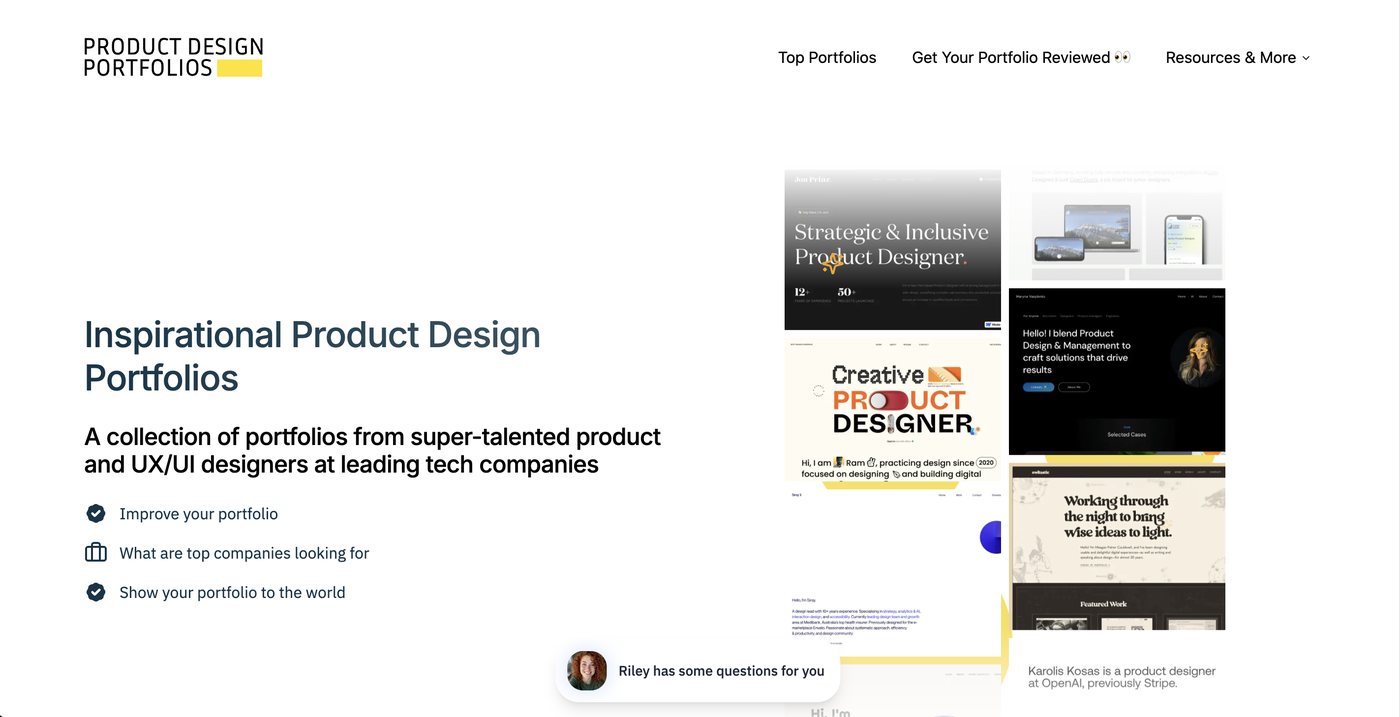
Product Design Portfolios is a curated collection of excellent portfolios, including several from FAANG designers.
From my data pull, I found 44 homepages and 76 case studies to compare.
With the list, I asked Claude to analyze each site for (1) common homepage sections, (2) common case study sections, and (3) the word count for each. Then I gathered all that data into a spreadsheet (linked here).
What's on a Homepage?
The same sections can add up to very different first impressions:
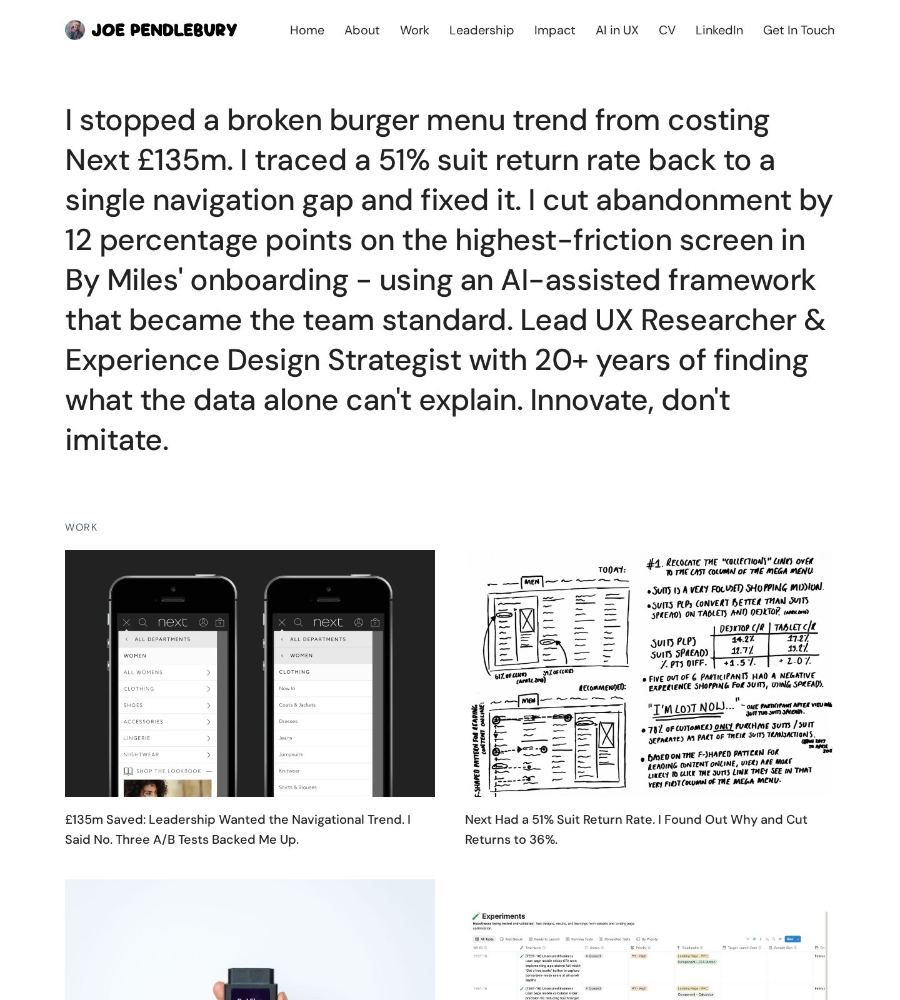
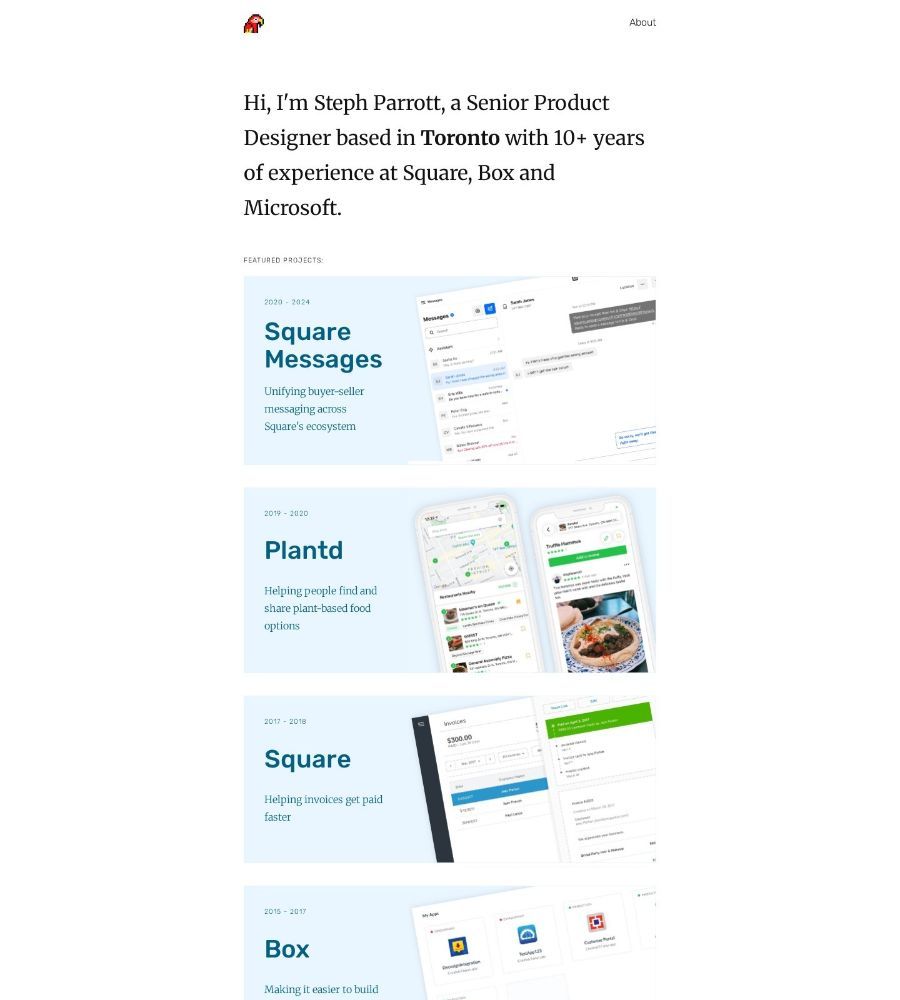
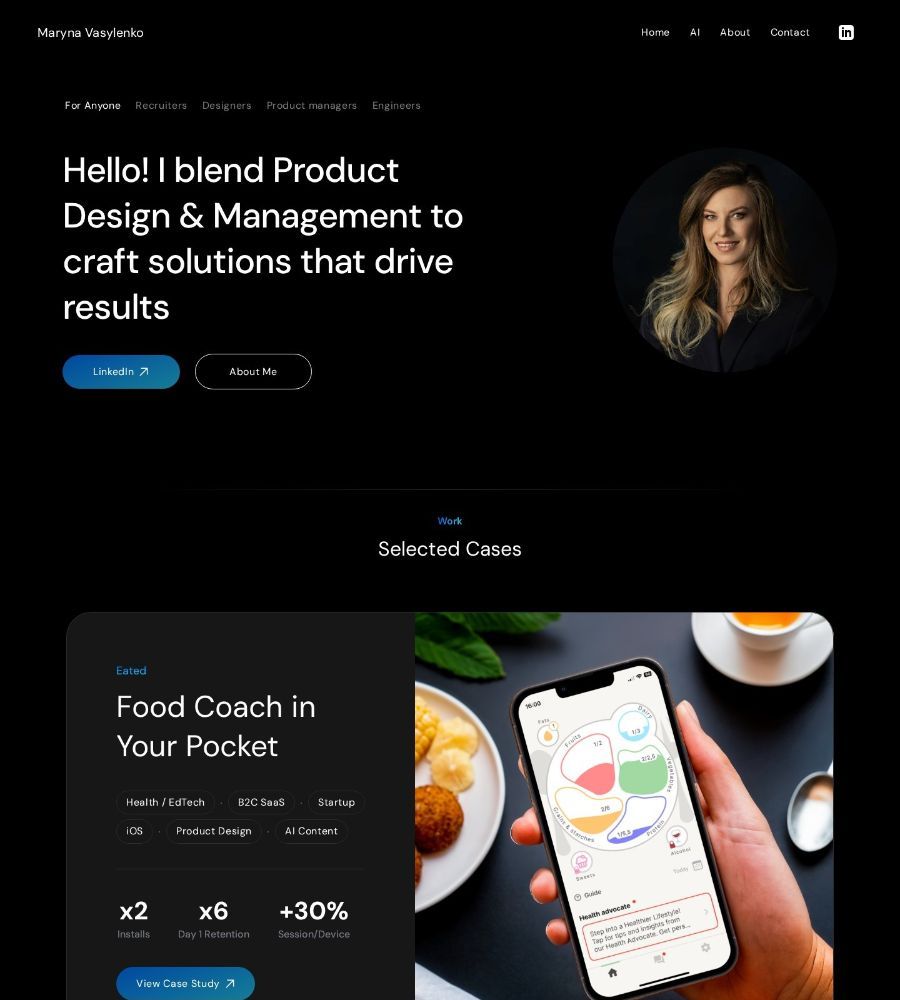
Homepages are simpler than case studies. Every one has a hero line, and nearly all list their case studies and give you a way to get in touch. Fewer than half link a resume, while 70% have an About Me page, which seems like a missed opportunity for someone to get to know you through your resume too.
- MUST-INCLUDE
- Hero One-linerContactAbout Me (somewhere)Case Study Link
| Homepage section | Count | Share |
|---|---|---|
| Hero / one-line positioning | 44 | 100% |
| Contact / call to action | 40 | 91% |
| Case study list | 38 | 86% |
| Separate About page | 31 | 70% |
| Resume link | 21 | 48% |
| About (on the homepage) | 20 | 45% |
| Current role or company | 14 | 32% |
| Testimonials | 11 | 25% |
| Articles, writing, podcasts | 10 | 23% |
| Client logos | 9 | 20% |
| Side projects / experiments | 9 | 20% |
| Services / mentoring | 9 | 20% |
| Skills, strengths, tools | 7 | 16% |
| Principles / approach | 6 | 14% |
| Labels on projects (type, year, tags) | 5 | 11% |
| Design process | 3 | 7% |
| Awards, press, speaking | 3 | 7% |
| Career history | 2 | 5% |
What's in a Case Study?
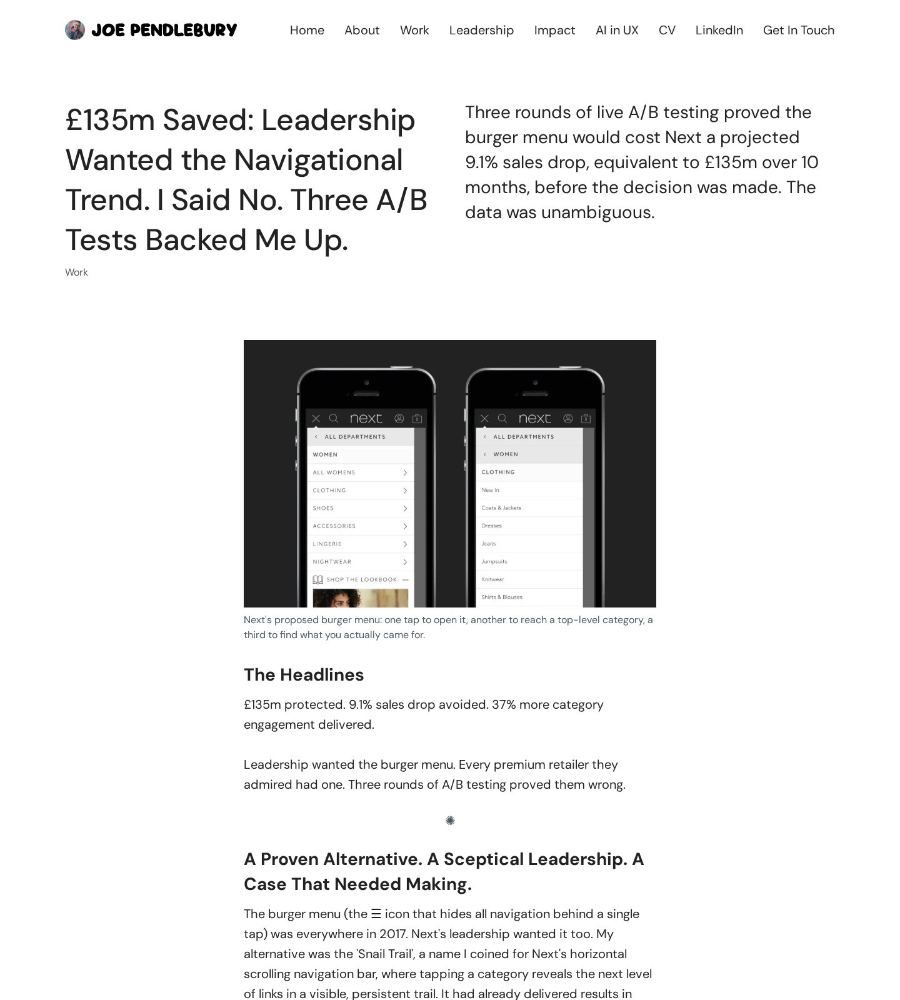
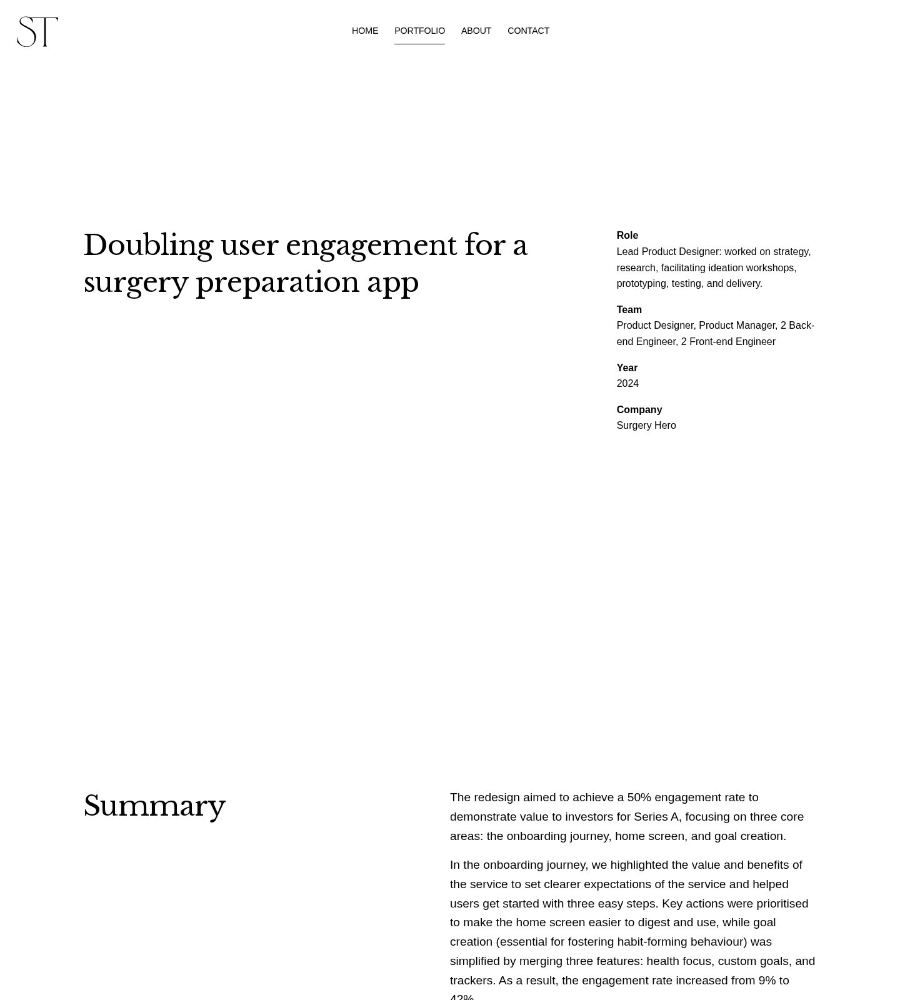
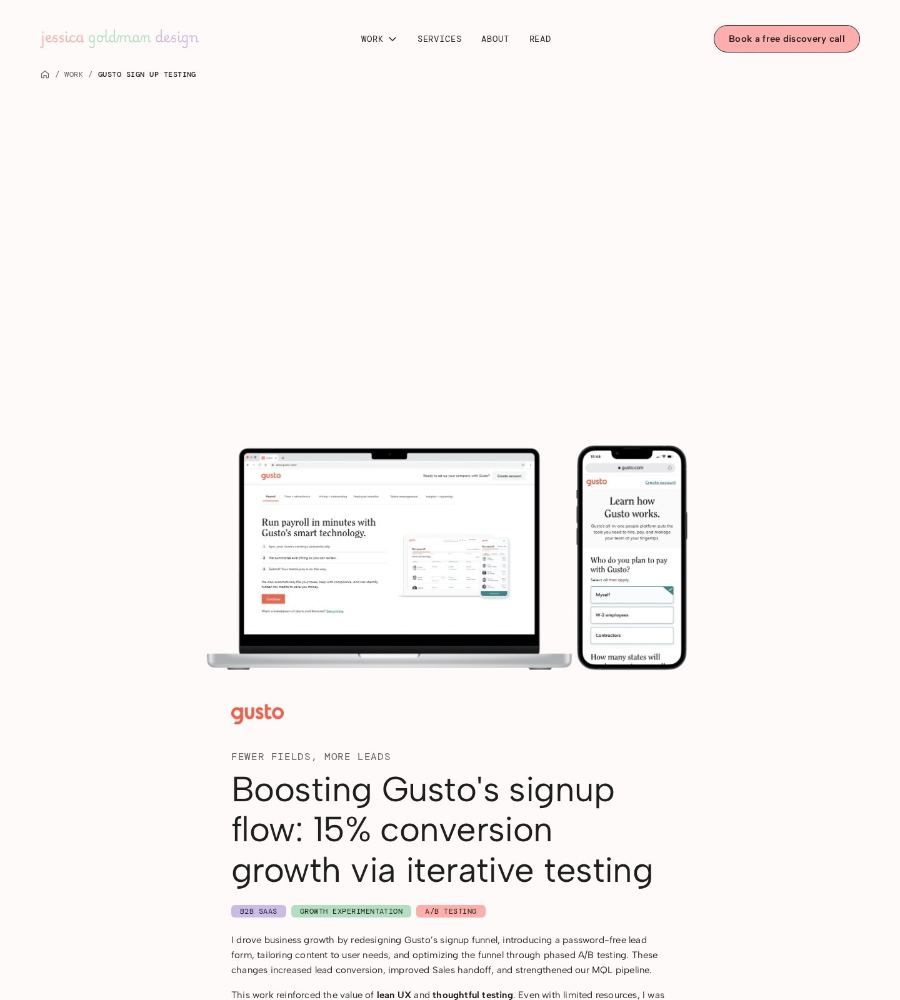
Four sections show up in nearly every case study. I'm calling these the MUST-INCLUDE.
- MUST-INCLUDE
- OverviewRoleThe ProblemFinal Solution / Outcome
- STRONG-CHOICES
- ImpactResearchIdeation / explorationsTimelineInsights / PersonasKey decisions / trade-offsReflection / LearningsTesting / iterationTeam / Collaborators
- DEPENDS
- GoalsLink to next case studyConstraintsTestimonials / Quotes“How might we” questionFAQPress / Awards
| Case study section | Count | Share |
|---|---|---|
| Final solution | 66 | 87% |
| Role | 63 | 83% |
| Overview / TL;DR | 61 | 80% |
| Problem | 59 | 78% |
| Impact / results | 51 | 67% |
| Research | 48 | 63% |
| Ideation / explorations | 44 | 58% |
| Timeline | 41 | 54% |
| Insights / personas | 41 | 54% |
| Key decisions / trade-offs | 41 | 54% |
| Reflection / learnings | 40 | 53% |
| Testing / iteration | 39 | 51% |
| Team / collaborators | 32 | 42% |
| Goals | 26 | 34% |
| Link to next case study | 26 | 34% |
| Constraints | 24 | 32% |
| Testimonials / quotes | 18 | 24% |
| “How might we” question | 16 | 21% |
| FAQ | 4 | 5% |
| Press / awards | 3 | 4% |
Typical Length of Homepage and Case Study
A case study is about a five-minute read. A homepage is usually under a minute.
Qualitative: What portfolios stood out? (in my opinion)
Homepage standouts:
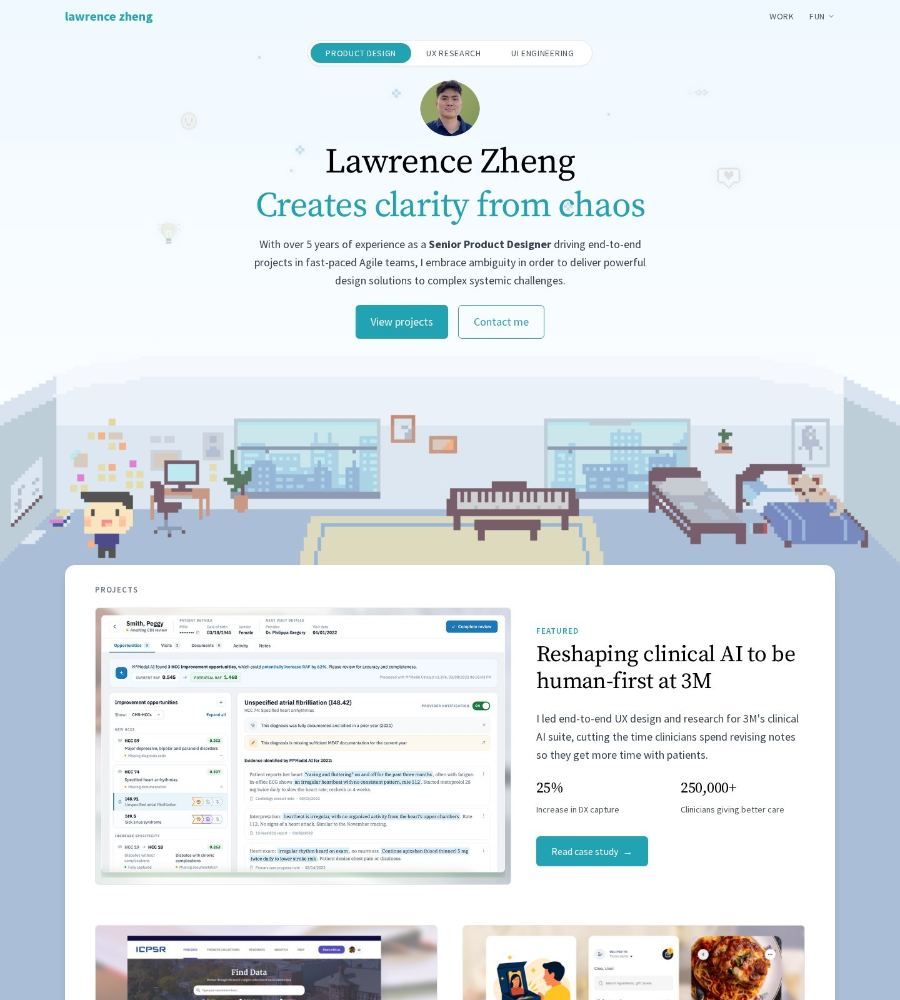
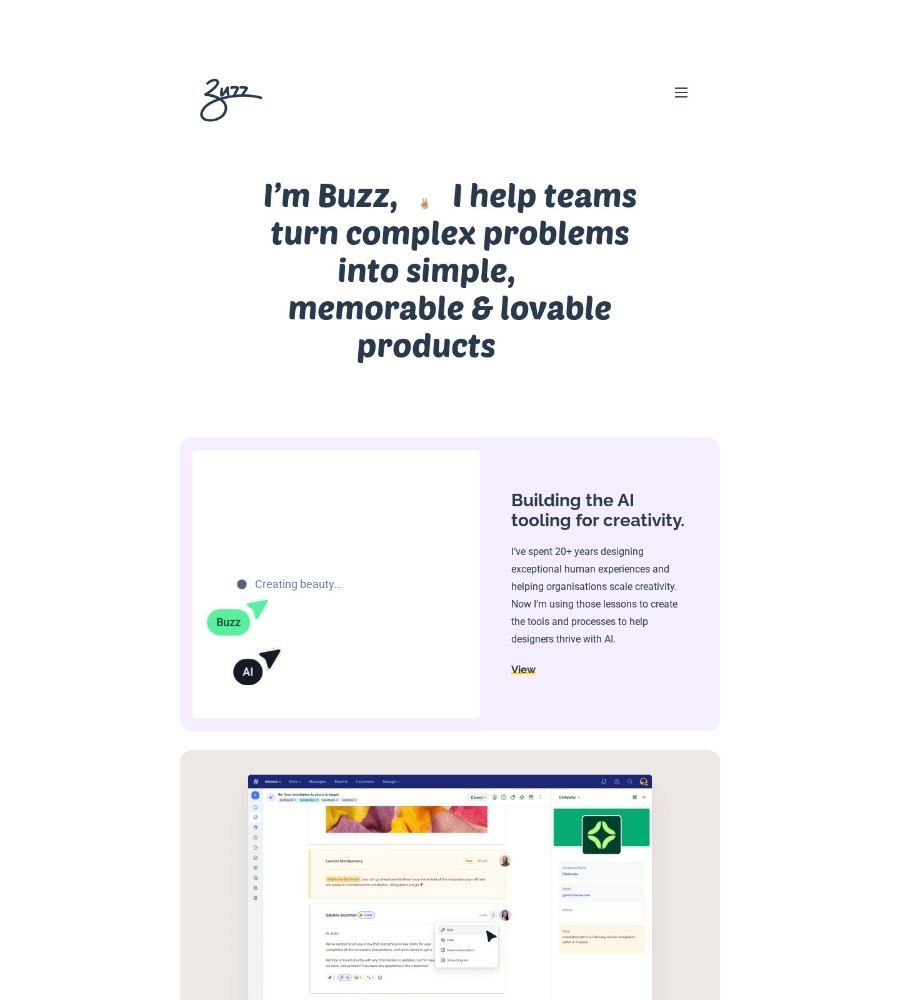
- Strong hero one-liners with results. Having a strong statement above the fold with a clear result always caught my eye. I would always read it.
- Tell me about the Case Study before I click. I love homepages where I can instantly tell what product they worked on, and that the work was great. There's nothing worse than being disappointed after clicking into something.
- Well designed. It's hard to not appreciate a well-put-together page. Not always the most visually stunning, but the ones that convey information quickly.
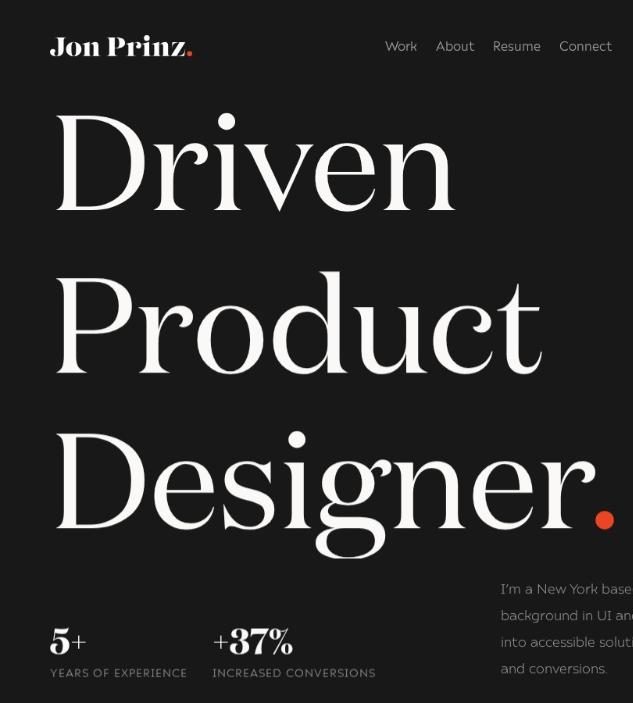
Case Study standouts:
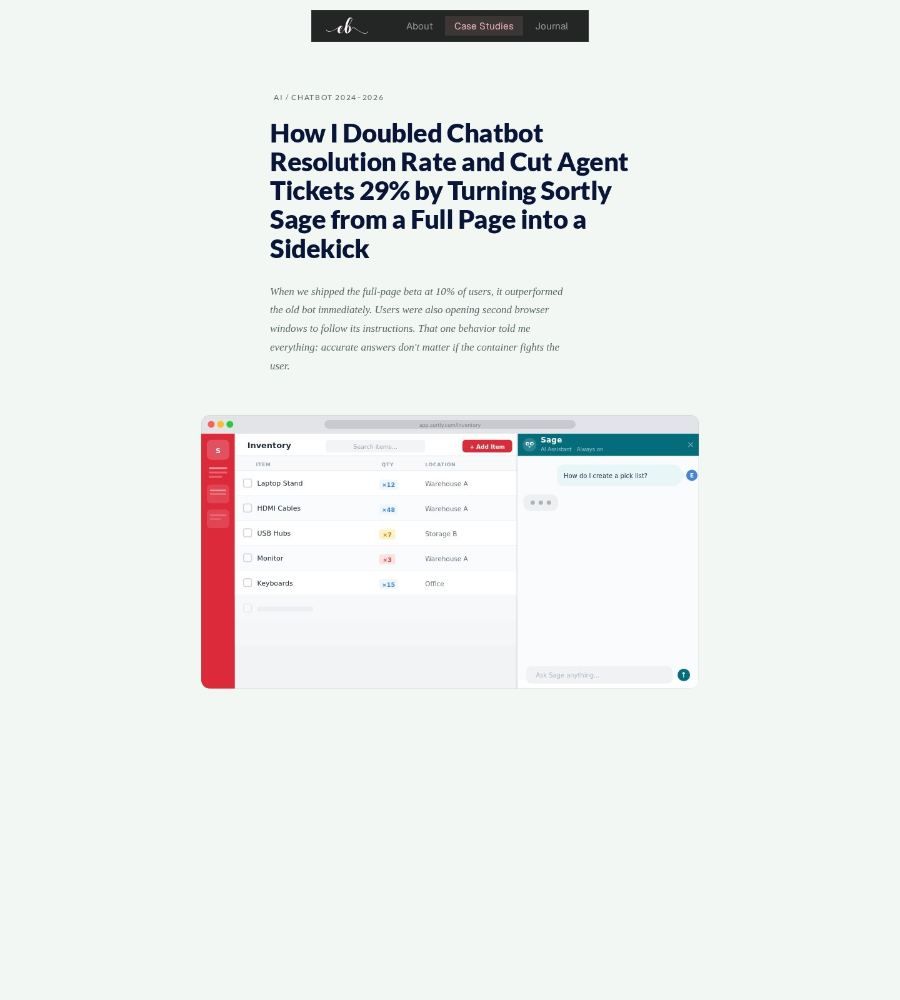
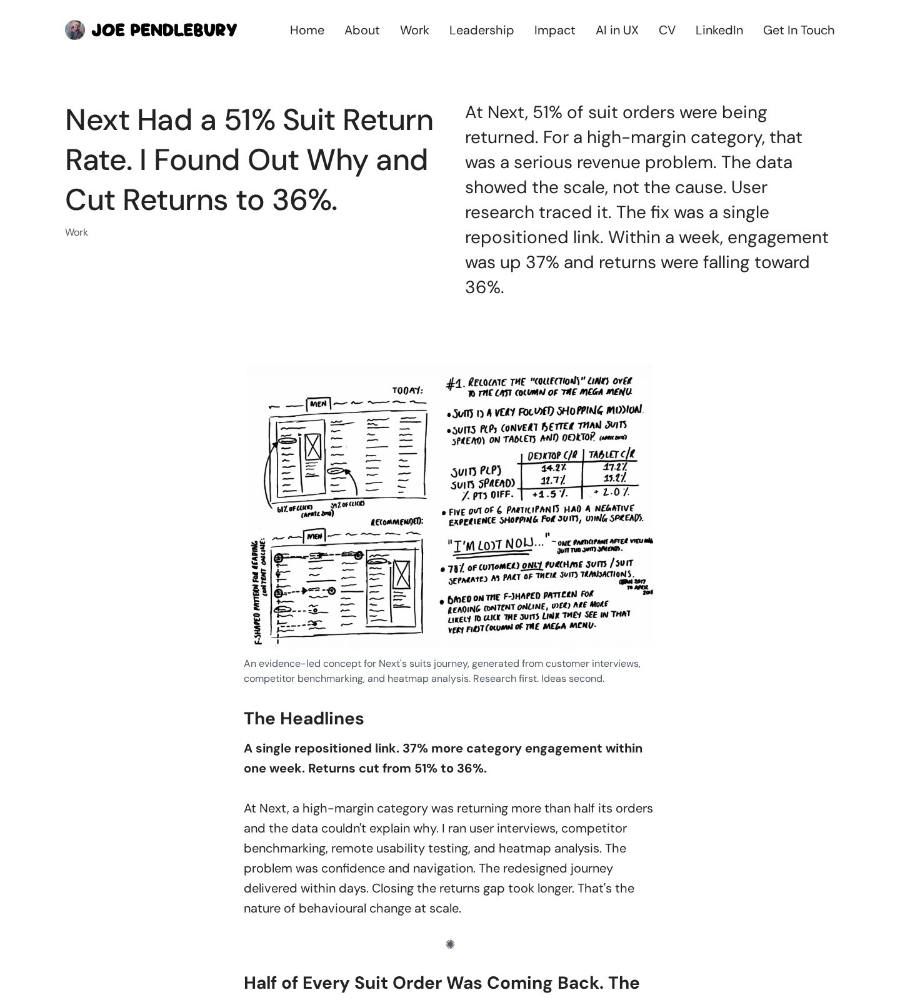
- Lead with the result. The most polished case studies lead with the outcome: £135m saved, doubling engagement, +15% conversion, etc.
- Key decisions. Over half describe a hard decision or trade-off. The strongest put it in the title.
- Show the work. Seeing the process in action made for the strongest case studies, especially when someone was lucky enough to take a photo.
Advice for Other Designers
- Lead with the result. If you have a number, put it in the title or the first line.
- Make your hero line count. Add a result, who you helped, or your specialty. If the hero just mentions you being a product designer, it won't stand out.
- Tell me what's behind the click. Your case study cards should say what the product is, what you worked on and how it turned out. Don't make someone click just to find out.
- Aim for a five-minute case study. The average case study is about 1,100 words. If yours is pushing 2,000, it's probably time to edit. (This is a problem I have.)
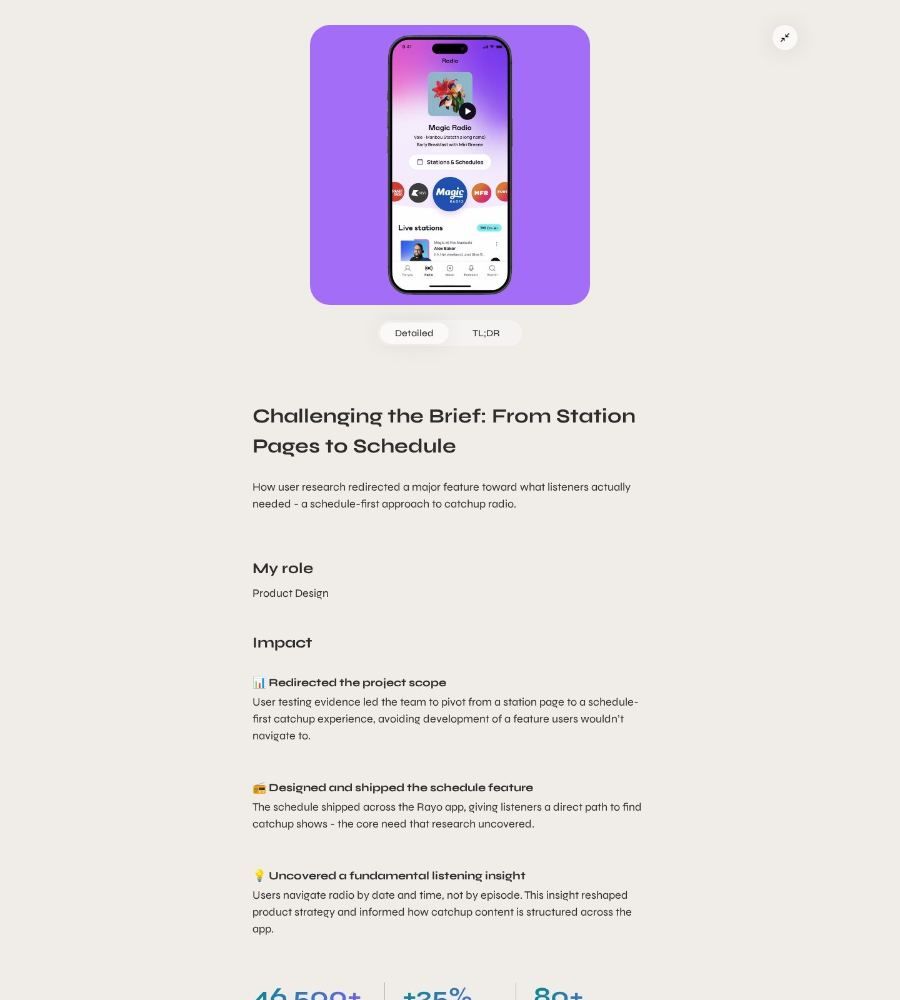
- Name the hard decision. Over half the case studies describe a trade-off. The strongest put it right in the title, like Alex Chiu's “Challenging the Brief.”
- Show the work. Sketches, whiteboards, rejected designs. Seeing the process made for the strongest case studies. If you took a photo of your sketches, use it.
- Link your resume. Fewer than half the homepages do. Why not?
- It's never finished. I don't think any portfolio ever is. Treat it like a product: research it, ship it, and keep improving it.
My Top 10 Designer Portfolios
After looking at these portfolios for days, here's my top 10. Click any screenshot to see more of the page.
-
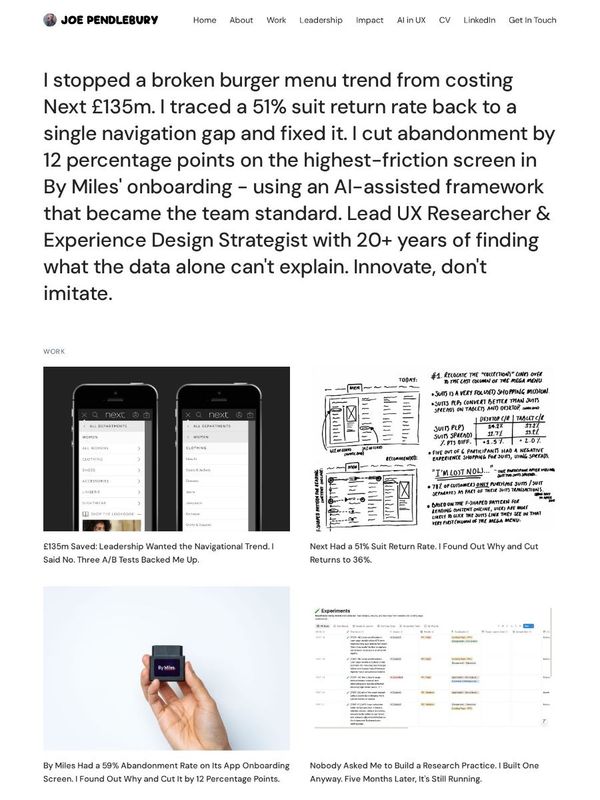
#1 Joe Pendlebury
Homepage 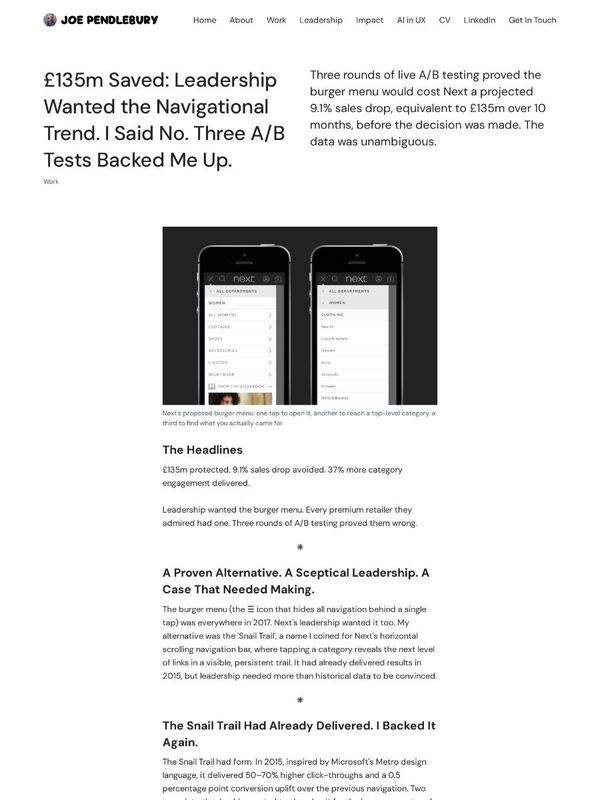
Case study The hero is a list of results. His Next navigation case study puts the £135m result and the decision (“I said no”) right in the title.
-
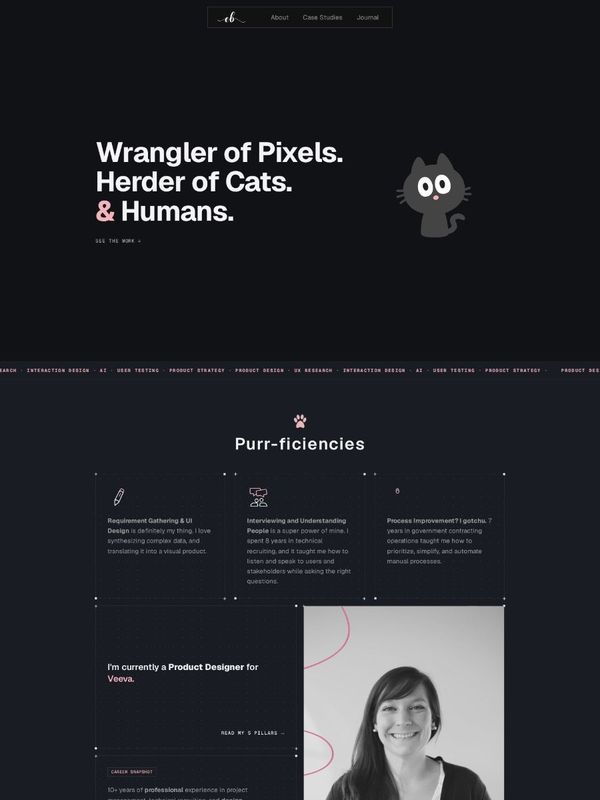
#2 Emily Backes
Homepage 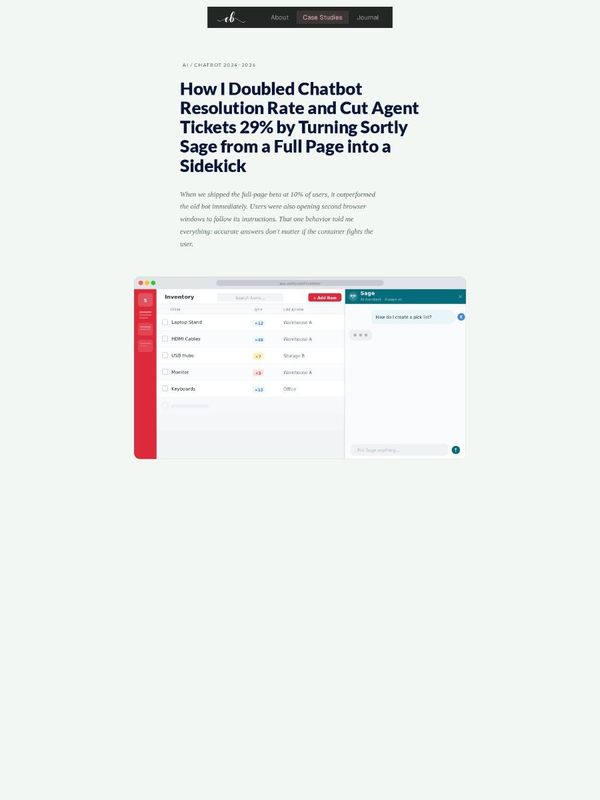
Case study A playful hero (“Wrangler of Pixels. Herder of Cats.”) and a SWOT of her own skills. Sortly Sage puts both results in the title, then a summary and an FAQ.
-
#3 Steph Parrott
Homepage 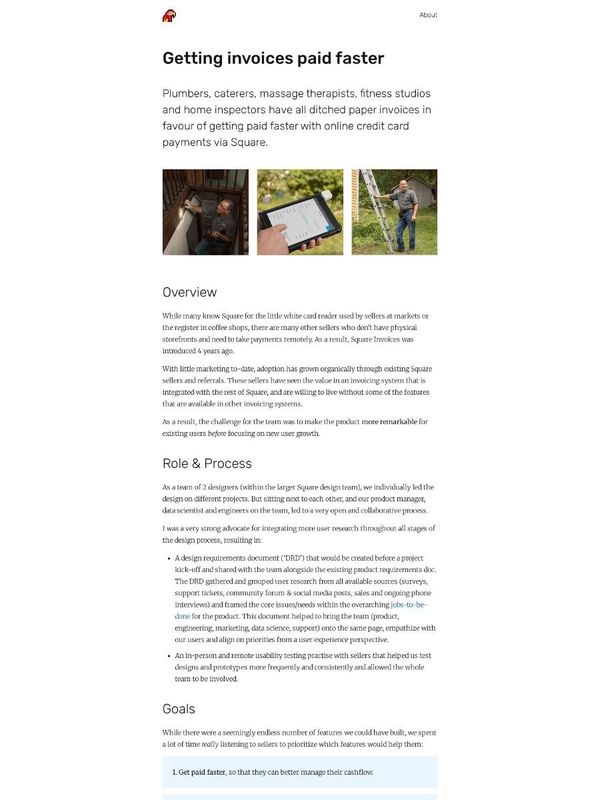
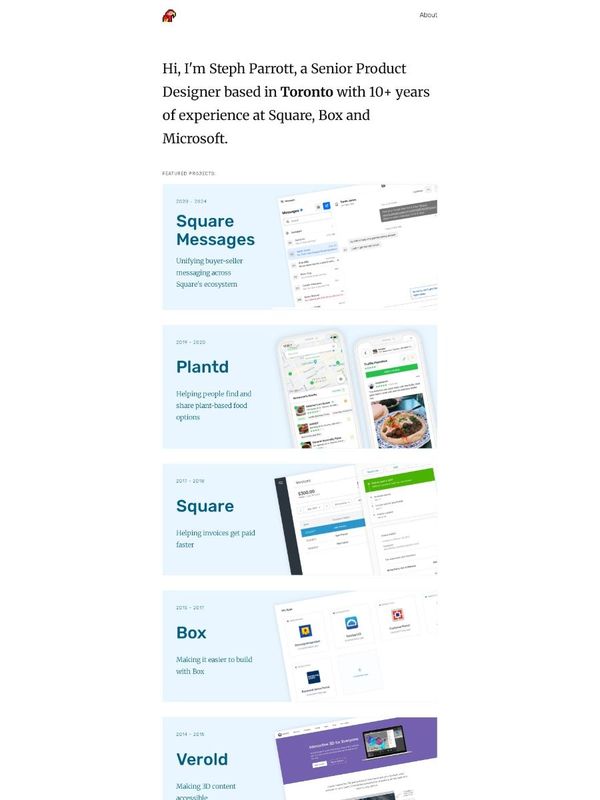
Case study One sentence, then the work. Her Square Invoices case study groups several shipped projects into one story.
-
#4 Ramachandra Swamy
Homepage 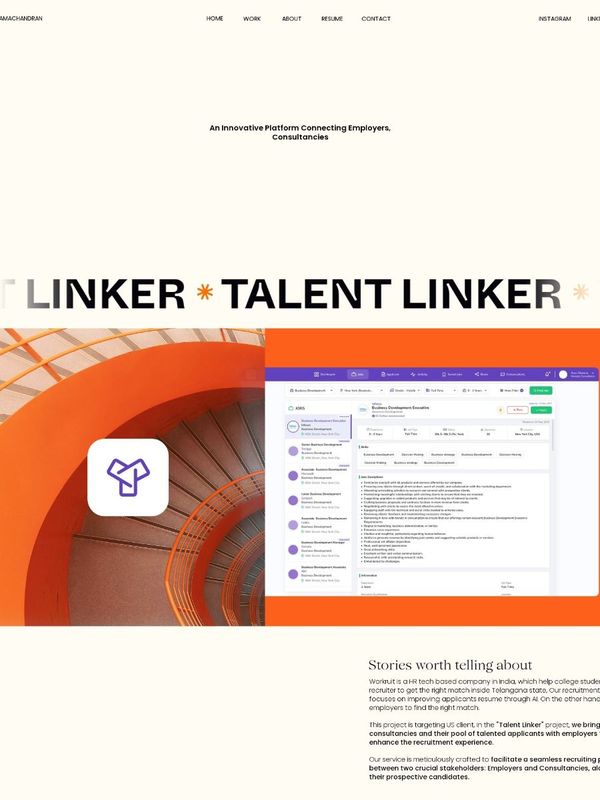
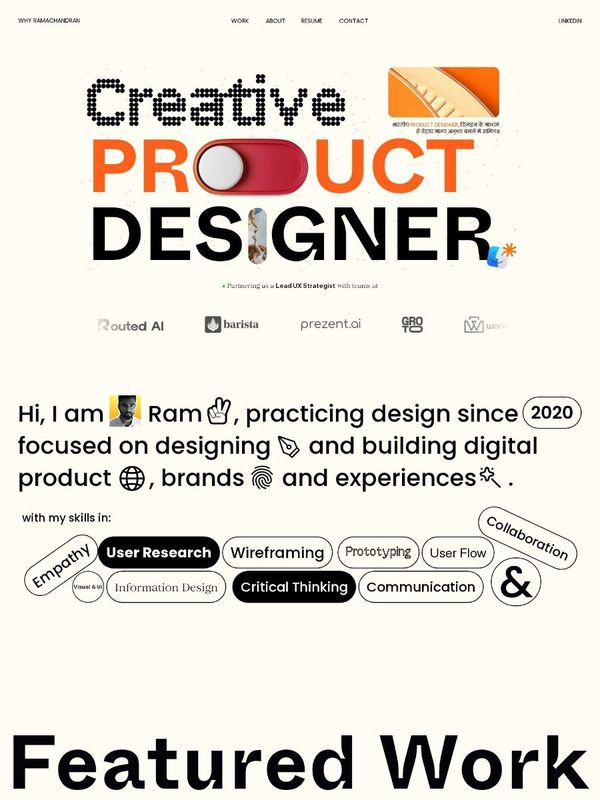
Case study A bold, playful homepage. Talent Linker shows the rejected design next to the one he picked.
-
#5 Nicole Roberts
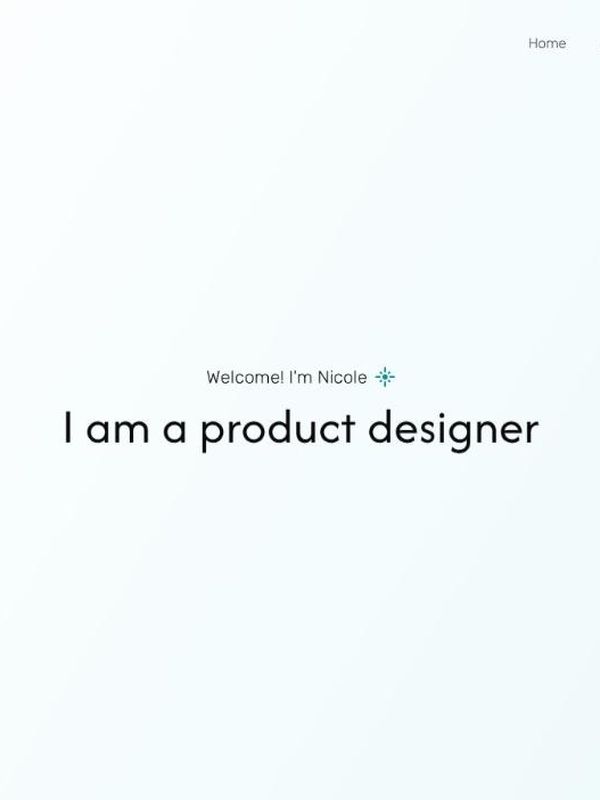
Homepage 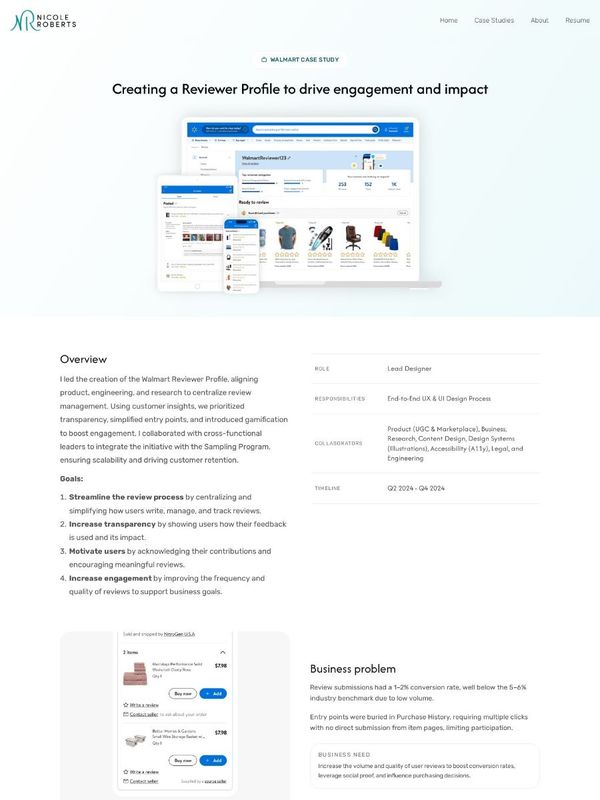
Case study Key strengths and testimonials on the homepage. Her Walmart Reviewer Profile case study shows the pivot after presenting to leadership.
-
#6 Elise Fu
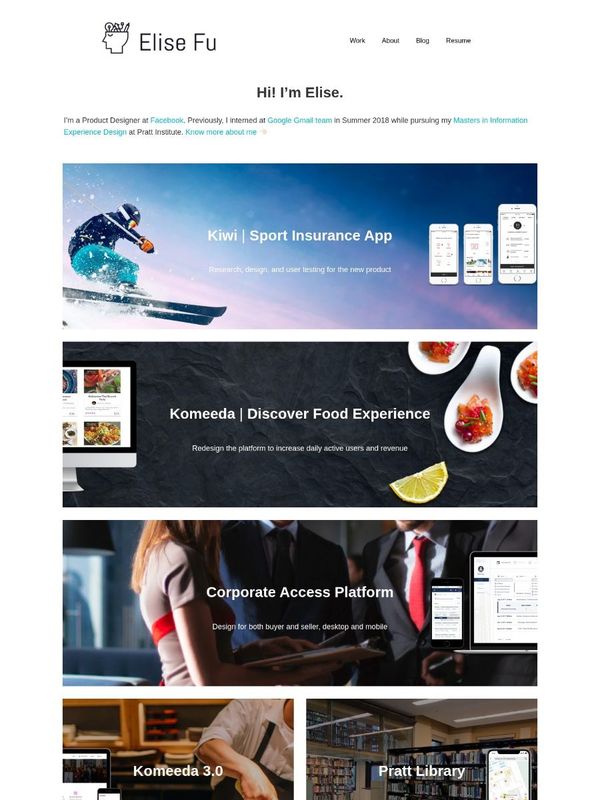
Homepage 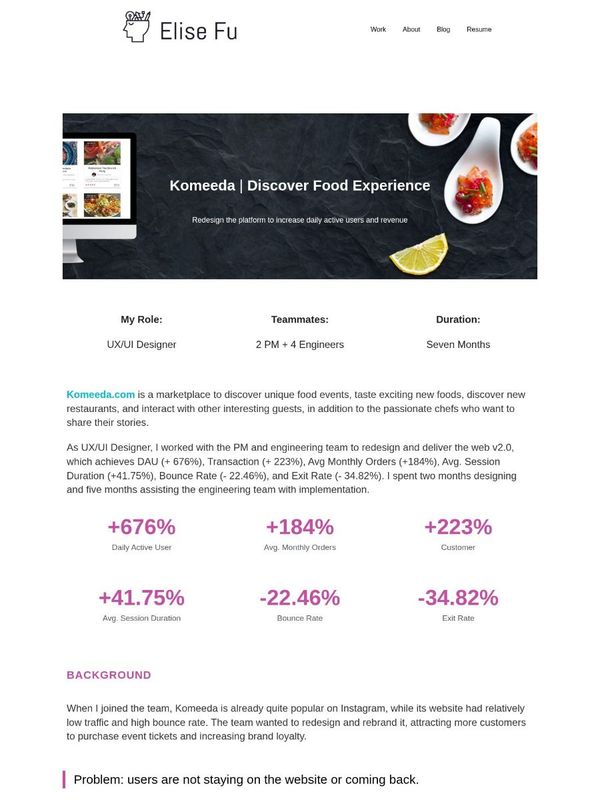
Case study Six result metrics sit right under the intro of Komeeda, with a Team Feedback section near the end.
-
#7 Buzz Usborne
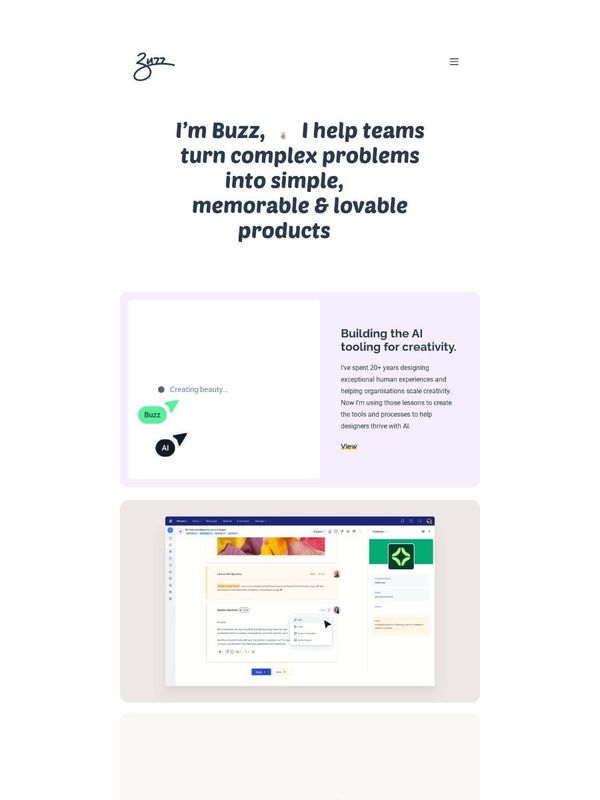
Homepage 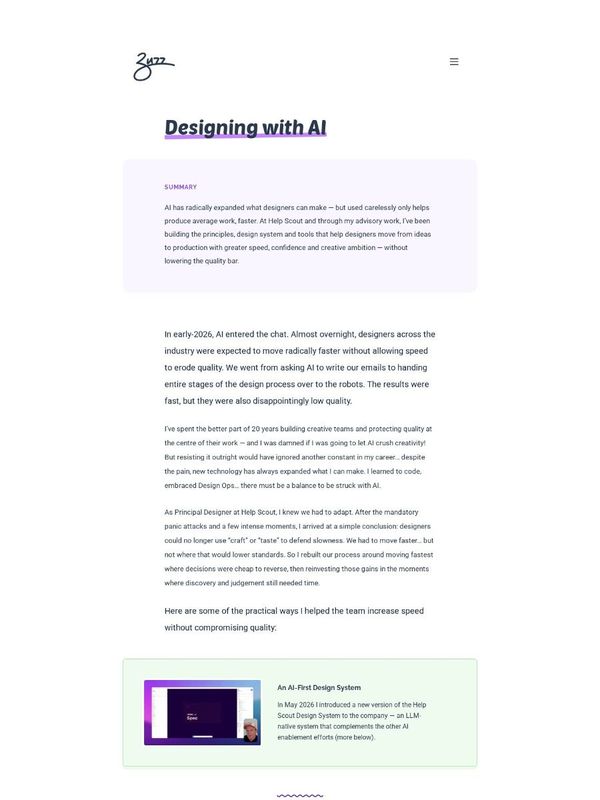
Case study A one-line pitch, then cards that explain each project. Designing with AI opens with a summary, and each section is an idea.
-
#8 Alex Chiu
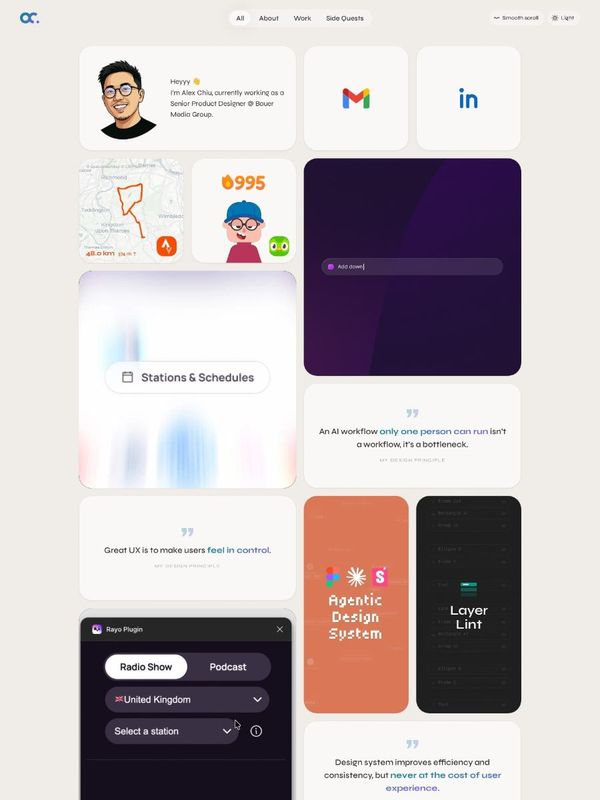
Homepage 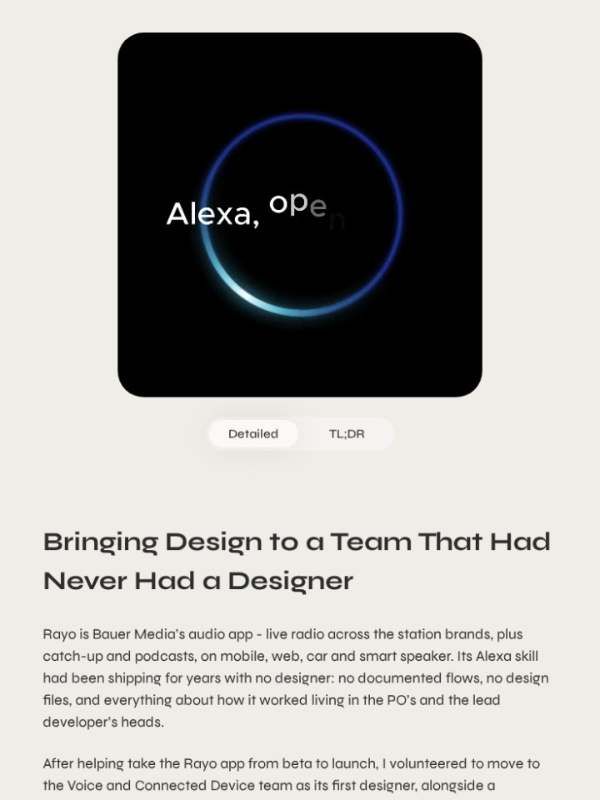
Case study Case study titles that read like headlines. His Rayo on Alexa case study is candid about what each decision cost.
-
#9 Selina Turfus
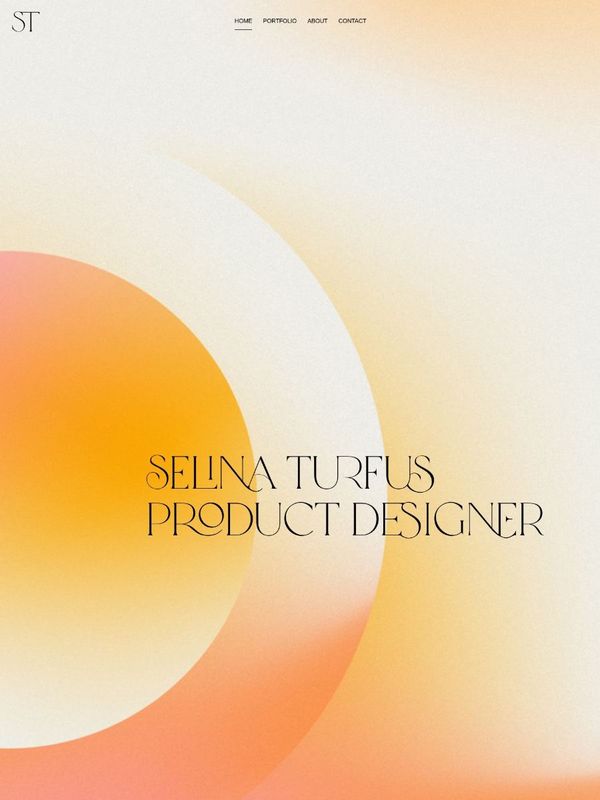
Homepage 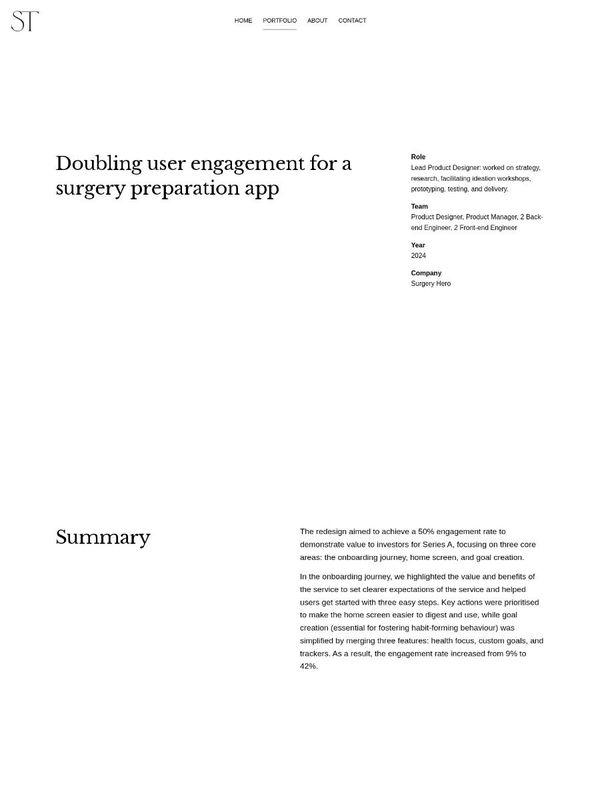
Case study A 47-word homepage. SurgeryHero is honest about missing its target, and her Reed case study lists the features she cut.
-
#10 Lawrence Zheng
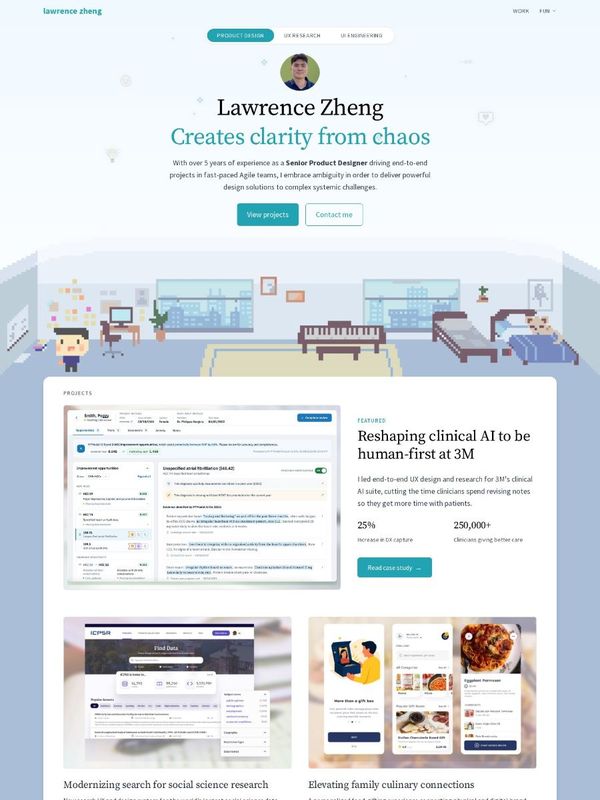
Homepage 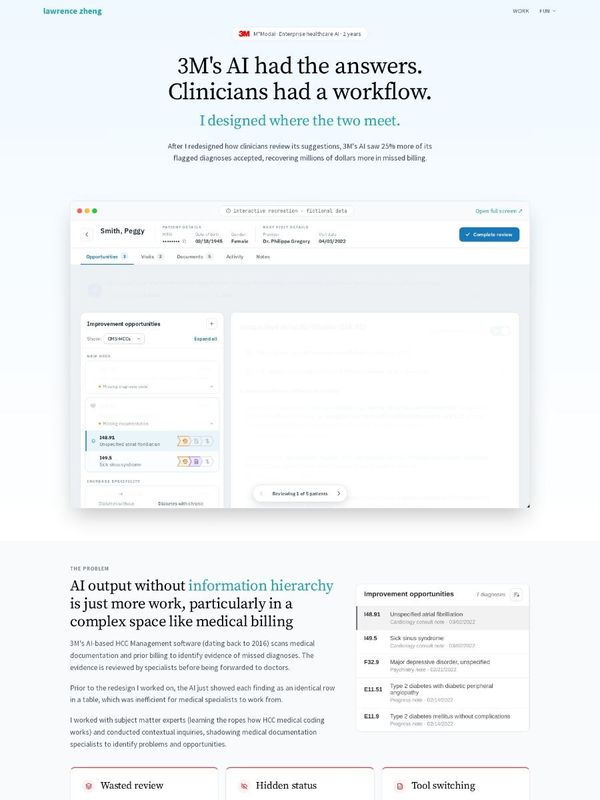
Case study Each project card gives the product, the problem and the result. His 3M case study uses questions and decisions as its headings.
References
- Product Design Portfolios. Curated list of designer portfolios.
- Design Portfolio Research. The homepage and case study data behind this article.